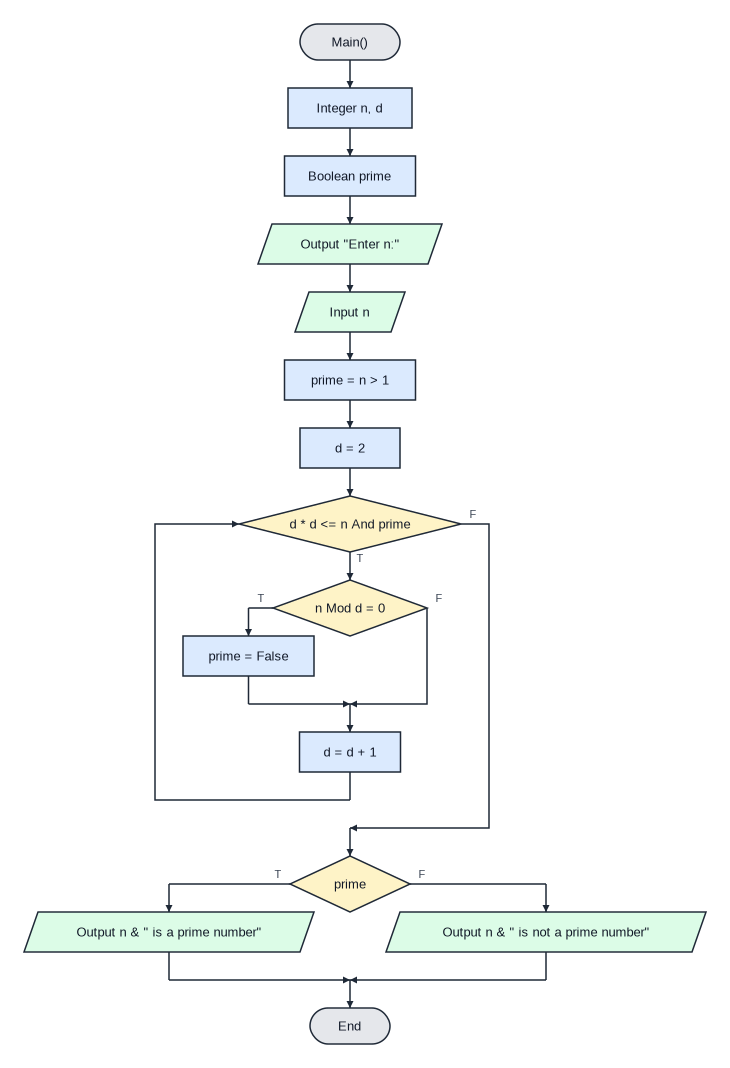
The code panel shows the algorithm as pseudo-code, Python, C, C++, Java, C#, JavaScript, TypeScript, PHP, Pascal, Visual Basic, Go, Rust or Kotlin. This algorithm opens in C, the language chosen for it.
Student
- Open the Code tab and choose a language. While the algorithm steps, the lines of the current block are marked in the code.
- Click a block: its lines are marked; click a line: its block is selected.
- Copy the code and run it in your programming environment.
Teacher
- Algorithm: in the editor choose the language in the code panel; Students see only this language locks it.
- Course: Course, More, Filters, Algorithm viewer, Settings: one language for the whole course, locked if wanted.
- Site: the administrator chooses the default language and the languages offered (Site administration, Plugins, Text editors, TinyMCE, Algorithm).