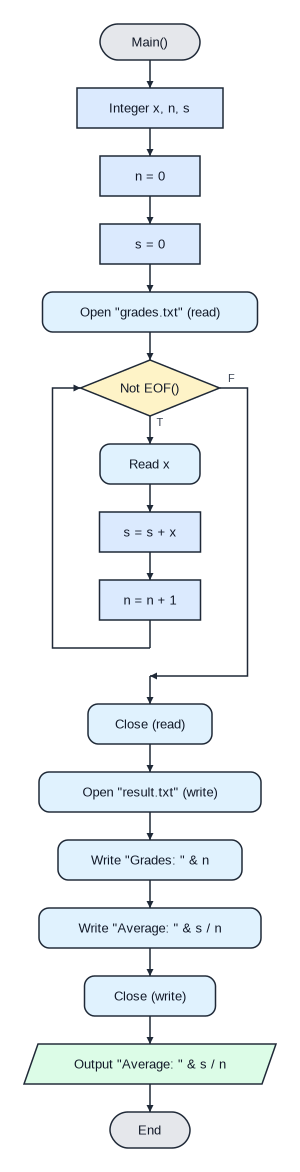
Open, Read, Write and Close work with text files kept with the algorithm. EOF() tells when a file has no more lines.
Student
- Run the algorithm: it reads grades.txt to its end and writes result.txt.
- Open the Files tab: see grades.txt, change a grade, run again. The file result.txt appears there and can be downloaded.
Teacher
- In the editor the Files panel adds, edits and deletes the files of the algorithm.
- In a quiz question the answer is graded with the files of the solution, so a task can say "read the numbers from data.txt".