The Outline shows the algorithm as a tree that a screen reader reads aloud. Everything works with the keyboard; high contrast and reduced motion are respected.
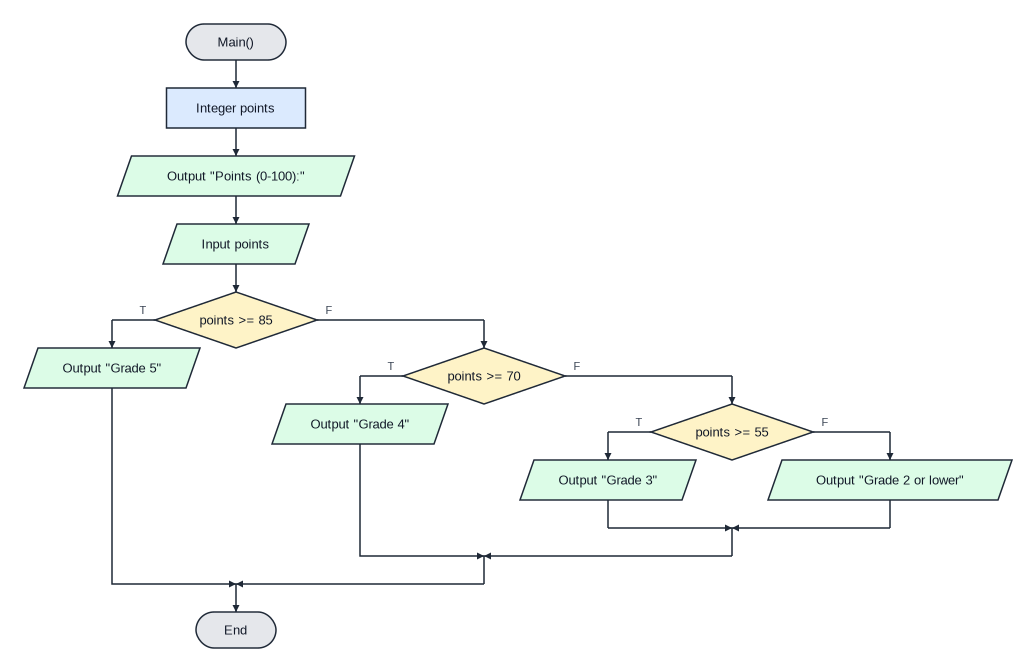
Student
- Click Outline under the diagram, or press Alt + O. The arrows move, Right opens and Left closes a part, Enter shows the block in the diagram.
- Run with F5, step with F10, back with F8. At the end of a run the output is announced to the screen reader.
Teacher
- Nothing to set: every diagram has the outline. In the editor Tab and the arrows move between the blocks, Delete deletes the chosen block.
- Give each block a comment: screen readers read it too.